 Warble
Settings
Every option, and what it changes. Changes save instantly.
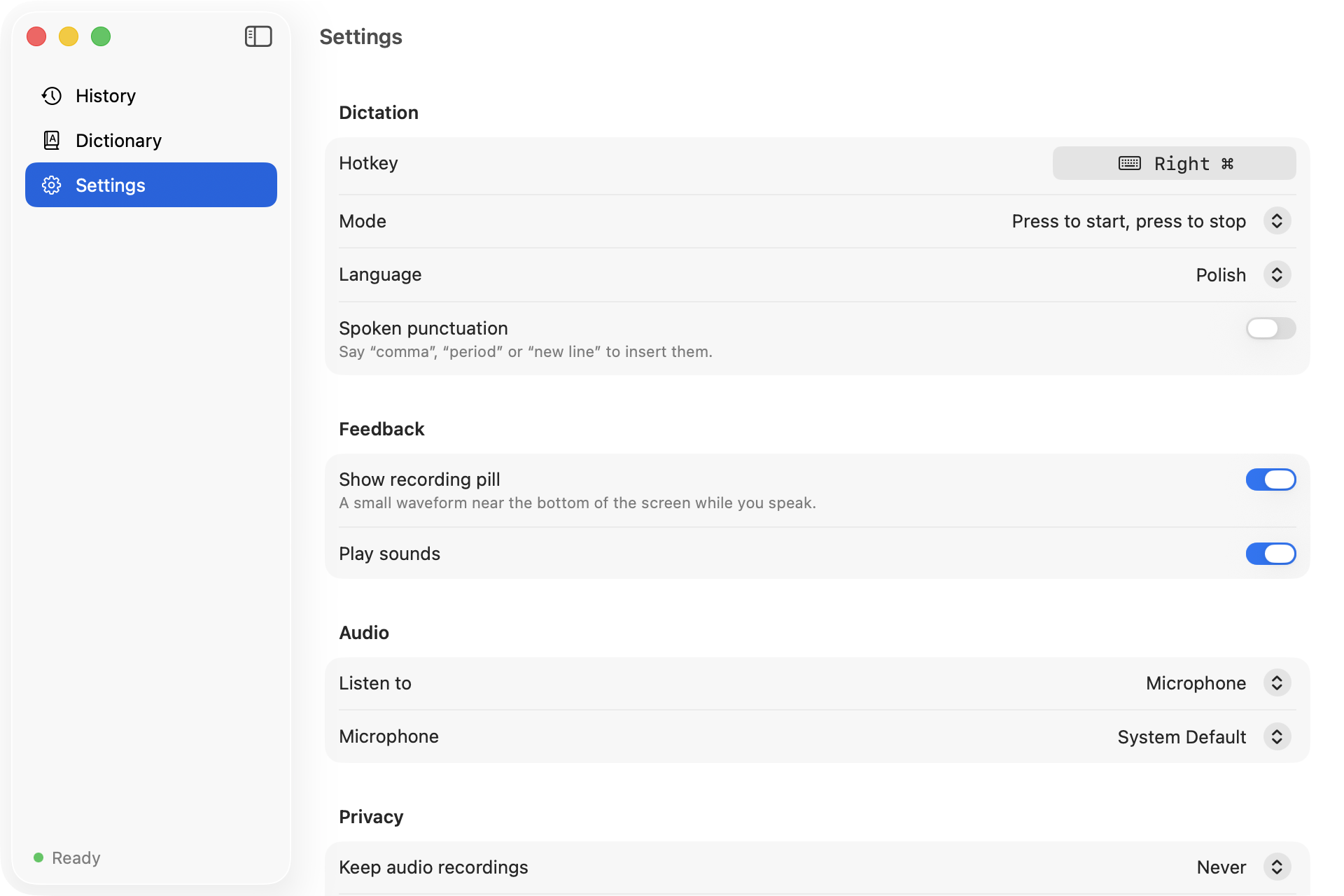
Dictation
| Setting | What it does |
|---|---|
| Hotkey | Click, then press the key to hold. Modifier-only keys like fn or Right Option work on their own; Esc cancels. |
| Mode | Hold to talk, or Press to start, press to stop for long dictation. |
| Language | One of the supported languages, or Auto-Detect. |
| Spoken punctuation | Say “comma” or “new line” to insert them. See Dictating. |
Feedback
| Setting | What it does |
|---|---|
| Show recording pill | The floating pill while you speak. |
| Play sounds | A quiet tick and pop when recording starts and stops. |
Audio
| Setting | What it does |
|---|---|
| Listen to | Microphone, system audio, or both mixed together. |
| Microphone | A specific input device, remembered across reboots and replugs. |
Privacy
| Setting | What it does |
|---|---|
| Keep audio recordings | Never, or the last 10 to 100 recordings for replay. |
| History | How many dictations are stored, with a button to clear them. |
| Data folder | Opens ~/Library/Application Support/Warble in Finder. |
System
| Setting | What it does |
|---|---|
| Start Warble at login | Installs a LaunchAgent for your user. |
| Run Setup Again | Reopens the setup window to recheck permissions. |