 Warble
Your first dictation
What the setup window asks for, and why.
The first time Warble starts, it opens a short setup. You can run it again later from Settings → System → Run Setup Again.
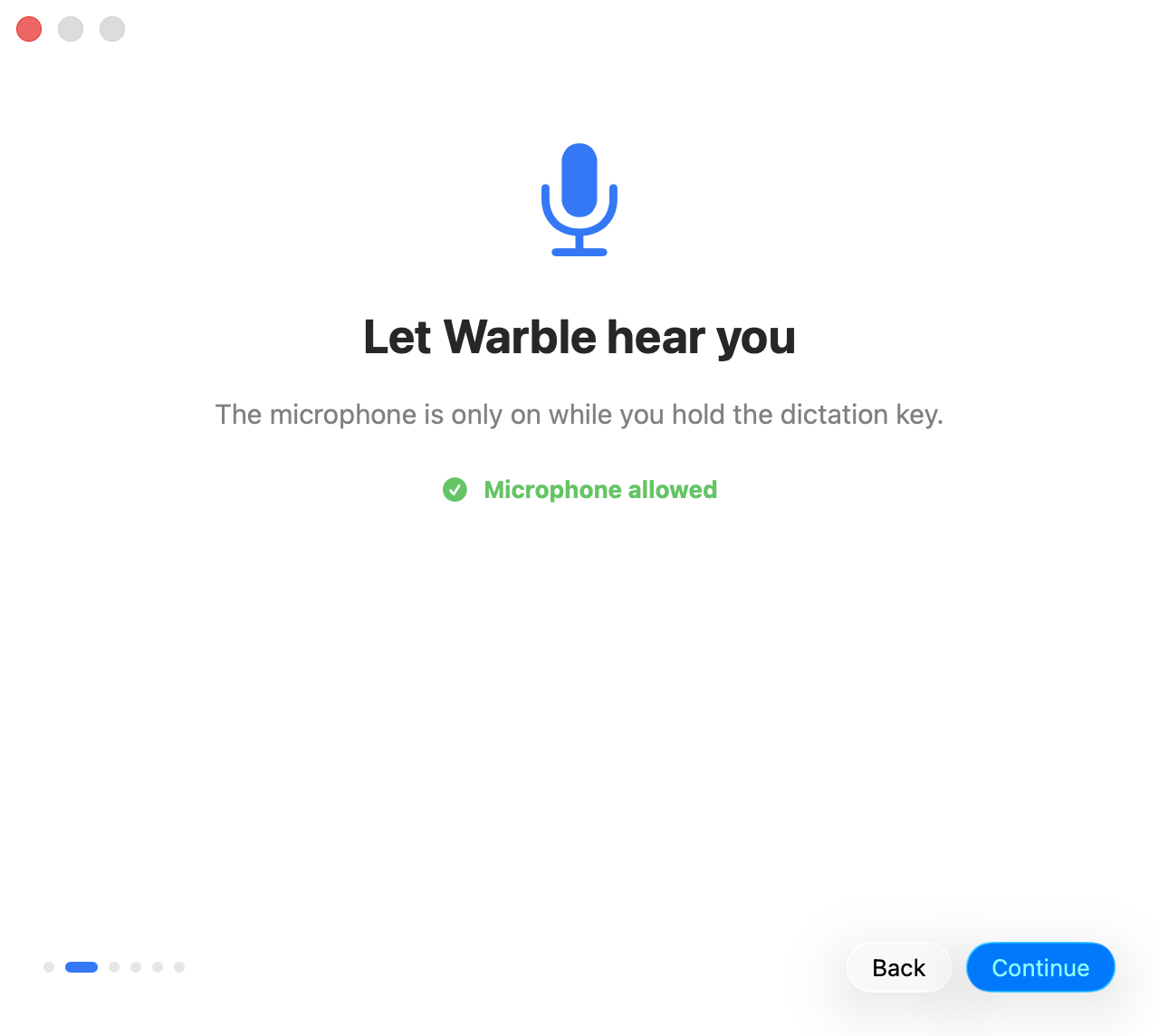
Microphone
Warble records only while you hold the dictation key. Click Allow Microphone and accept the macOS prompt.
Accessibility
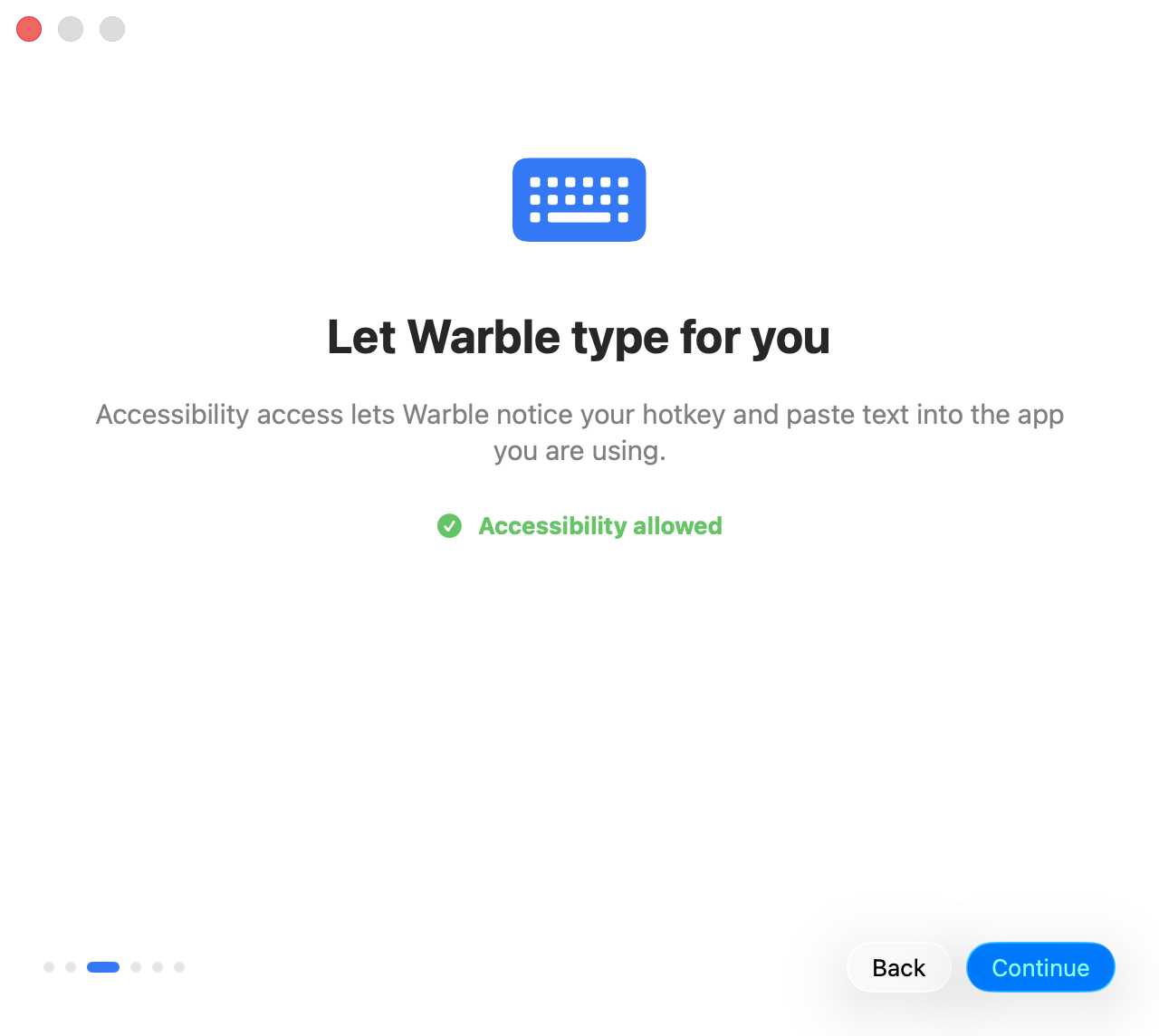
Accessibility lets Warble see your hotkey from any app and paste the text it transcribed. Click Open Accessibility Settings, switch on Warble, and setup continues by itself.
Speech model
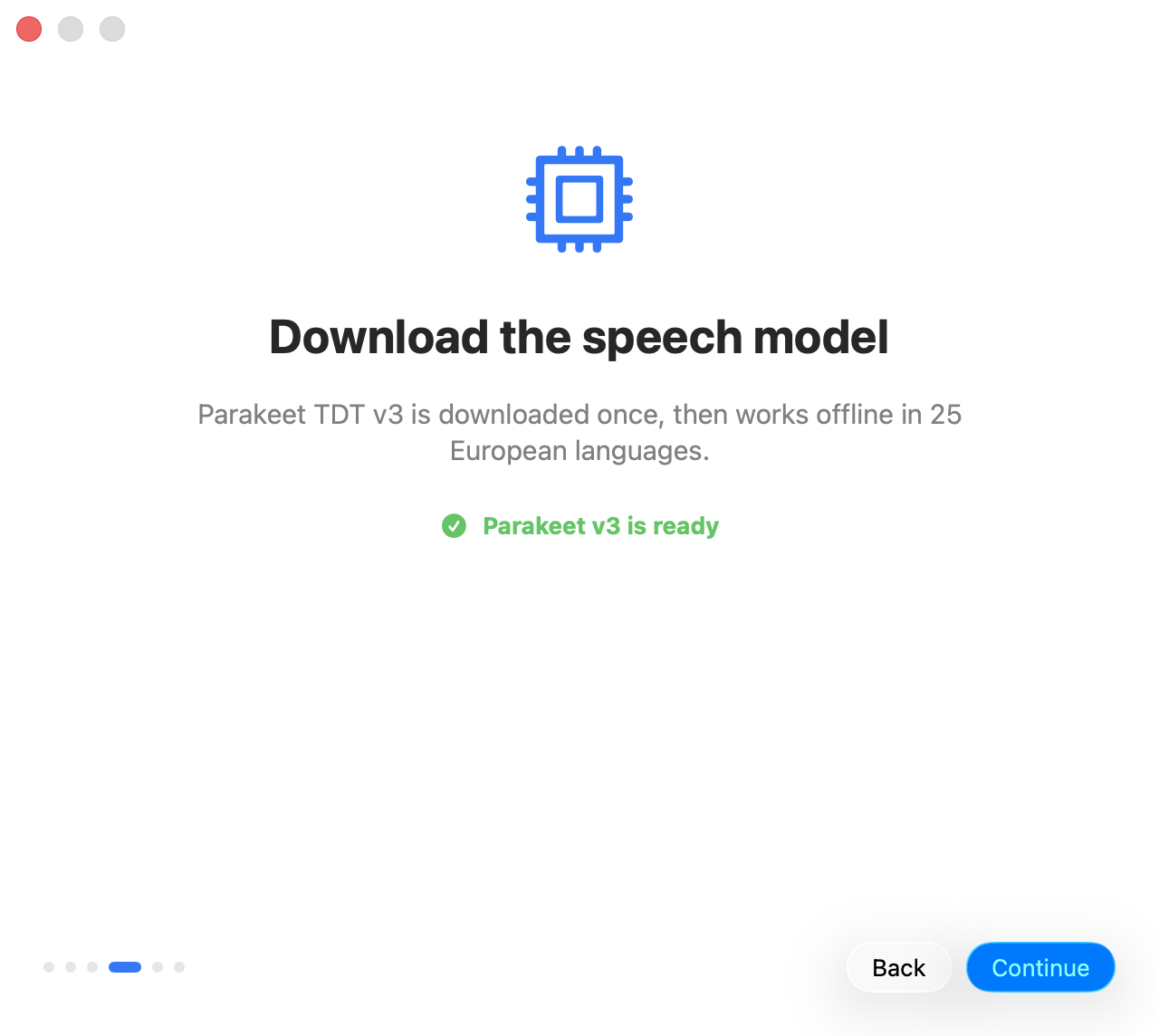
Parakeet TDT v3 downloads once from Hugging Face, then gets optimized for your Mac. After that, Warble works offline.
Your key and language
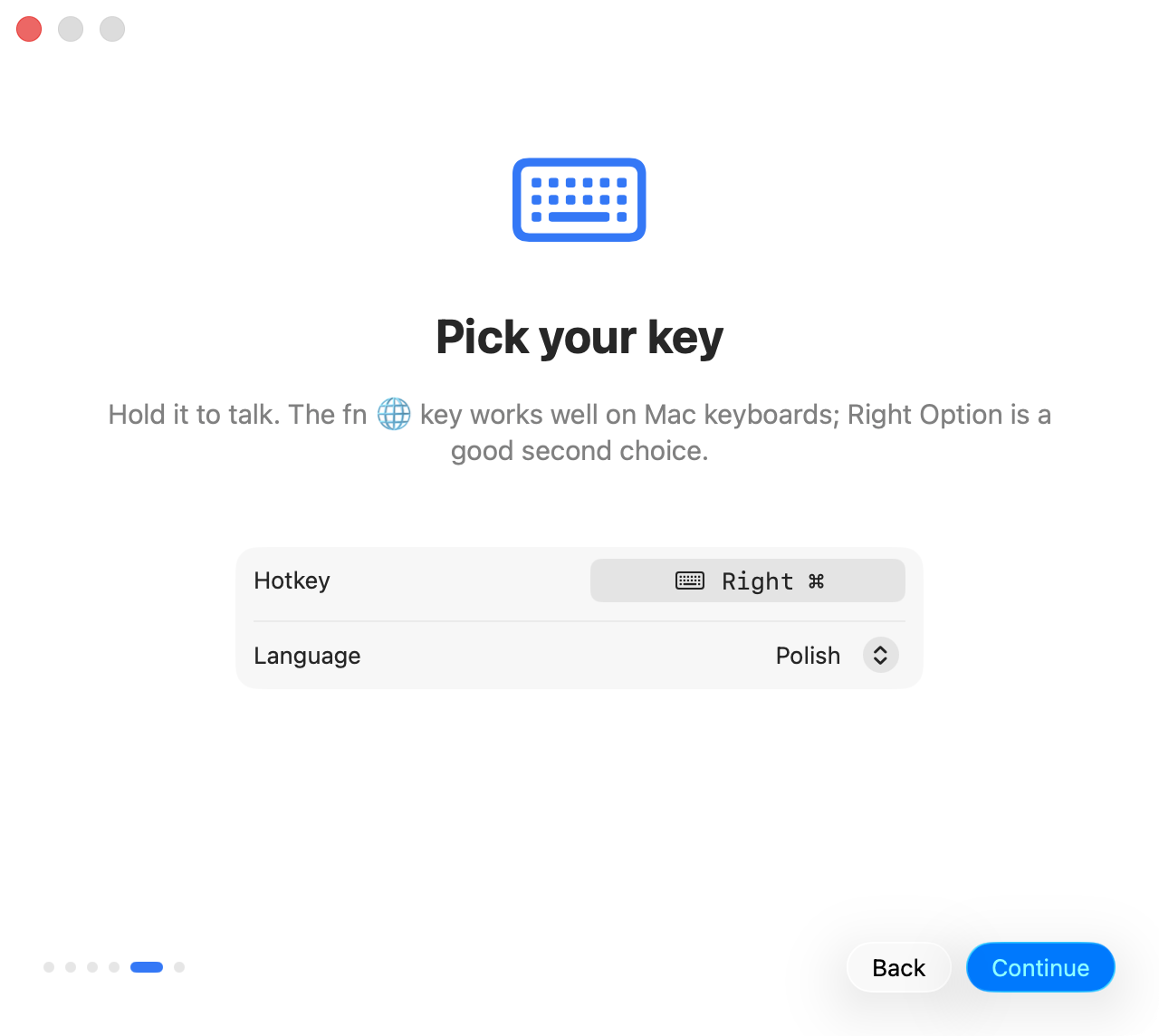
Click the hotkey button and press the key you want to hold. fn 🌐 is the default; Right Option works well on keyboards without it. Pick a language, or leave Auto-Detect.
Try it
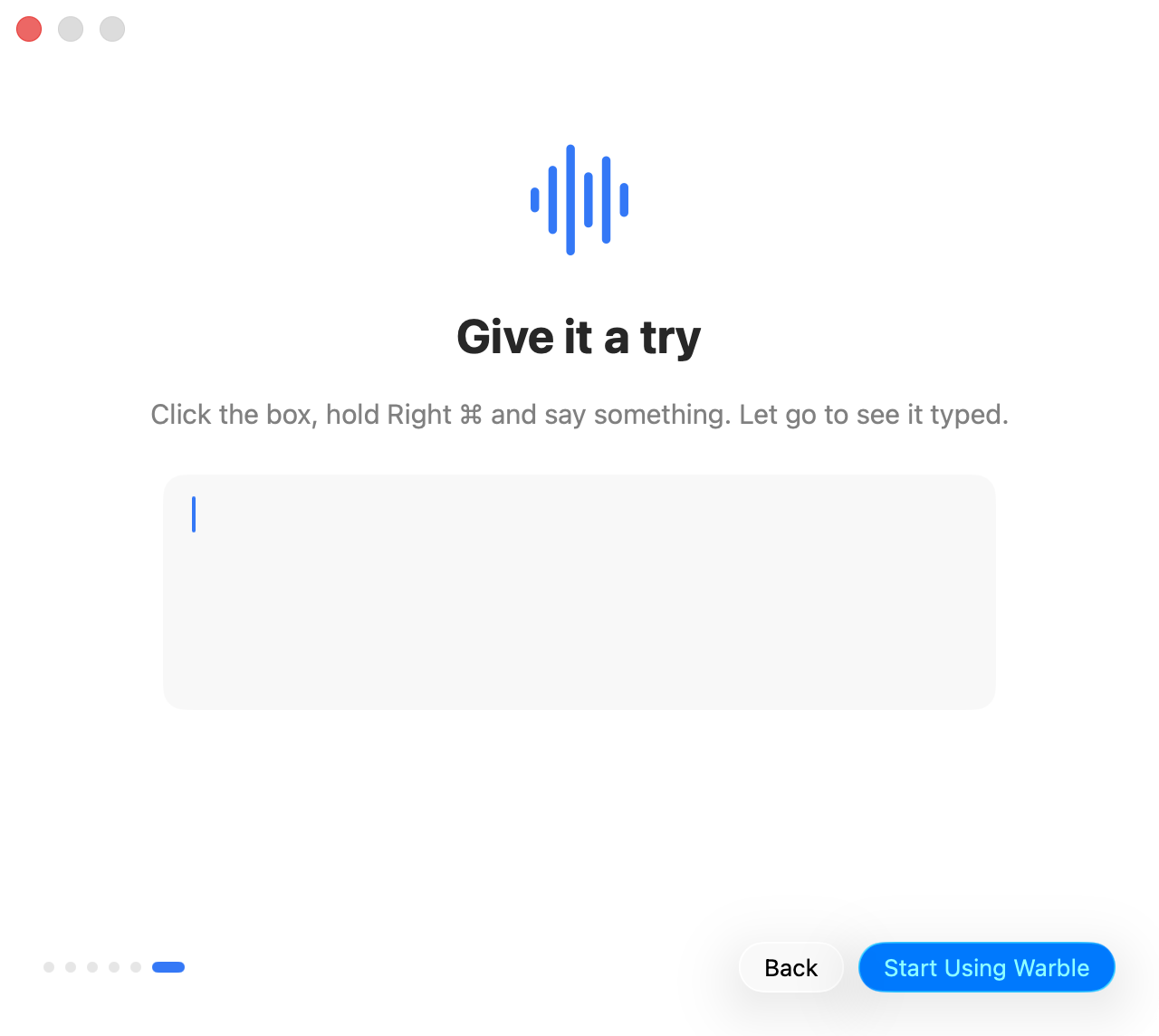
Click the text box, hold your key, say something, and let go. When the text appears, you are done.